JUST YOU.
NO CONNECTION.
Solo painting works offline. Map a wall manually, or use a compatible headset room scan. Save pieces locally and export transparent PNGs.
SOLO / OFFLINE VIRTUAL PAINT.
MIXED REALITY GRAFFITI
A real wall. A virtual can.
A whole new way to leave your mark.
BUILT FOR QUEST 3 + PICO / STORE RELEASE IN DEVELOPMENT
 NO FUMES.
Keep your room in view. Map a wall, grab a colour, and start building a piece that belongs to you. No paint on the furniture. No permission slip from the landlord.
Chroma puts the spray can in your hand and the paint rack on your other controller. Fill big. Get close for the details. Follow the line somewhere unexpected.
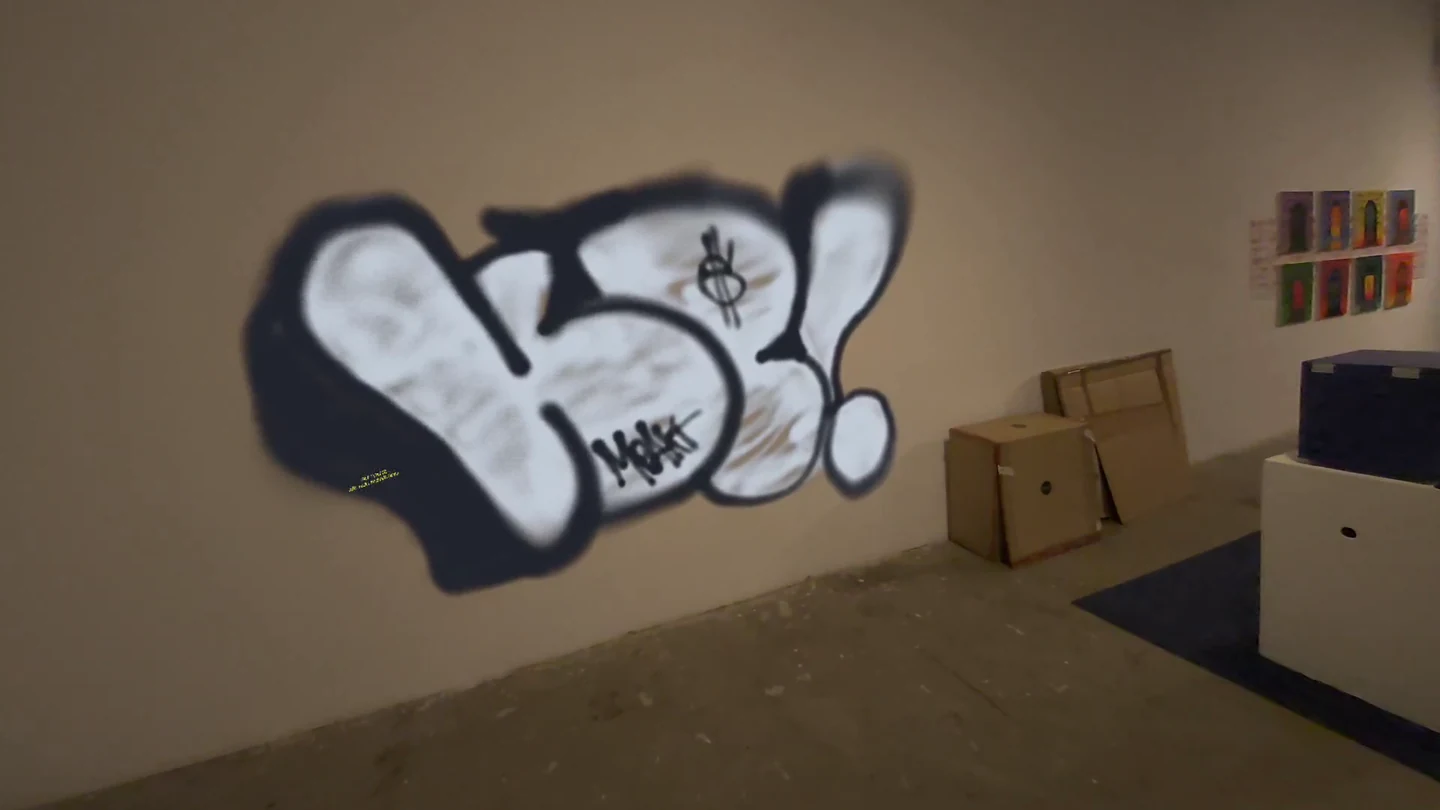
Distance and trigger pressure shape the stroke. Switch caps for the line you want, then let colour, overspray, and drips do their thing.
Your everyday workhorse. A wider stroke for expressive lines and filling your piece.
Solo painting works offline. Map a wall manually, or use a compatible headset room scan. Save pieces locally and export transparent PNGs.
SOLO / OFFLINEWork on a shared wall over a local network. See the other painters’ cans as your piece comes together.
Optional shared sessions need a separate Chroma server on a computer and the same wall reference points mapped on every headset. No public matchmaking.
SHARED / LOCAL NETWORK04 / WATCH IT HAPPEN
37 seconds in the paint.
Turn the sound up.
05 / BEFORE YOU PICK UP THE CAN
Chroma is in development for Meta Quest 3 and PICO. Store availability will be announced here after release. This site does not sell access or take preorders.
You can mark a wall manually. Compatible room scans are also available in Solo; access depends on your headset and spatial-data permission. Shared sessions use manually aligned common wall corners.
Solo does not. Shared LAN painting needs a separate computer running the Chroma server, a reachable local network, and wall alignment on every headset.
Solo artwork and preferences stay in local app storage. PNGs you export are separate files. A shared session stores its paint journal on the server operator’s computer. Read the privacy policy for the full data picture.
Email nemartco@gmail.com. Include your headset model and app version, plus what happened. Please keep room photos and personal information out of reports unless needed.